REMOTE, SENSOR & CONTROLLED WARNING
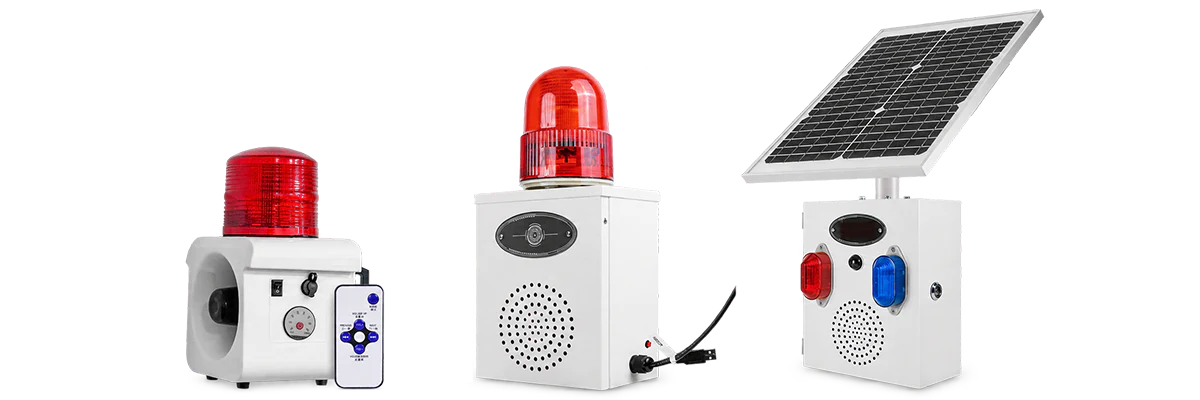
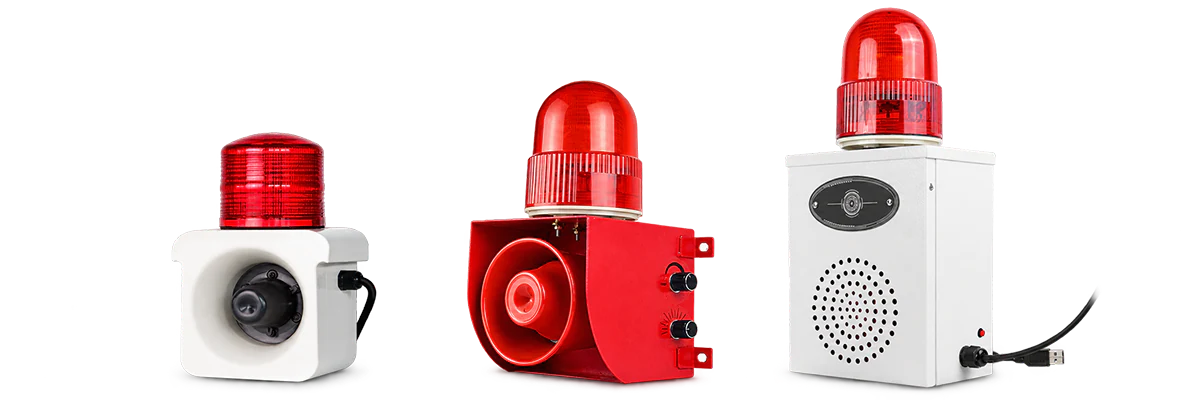
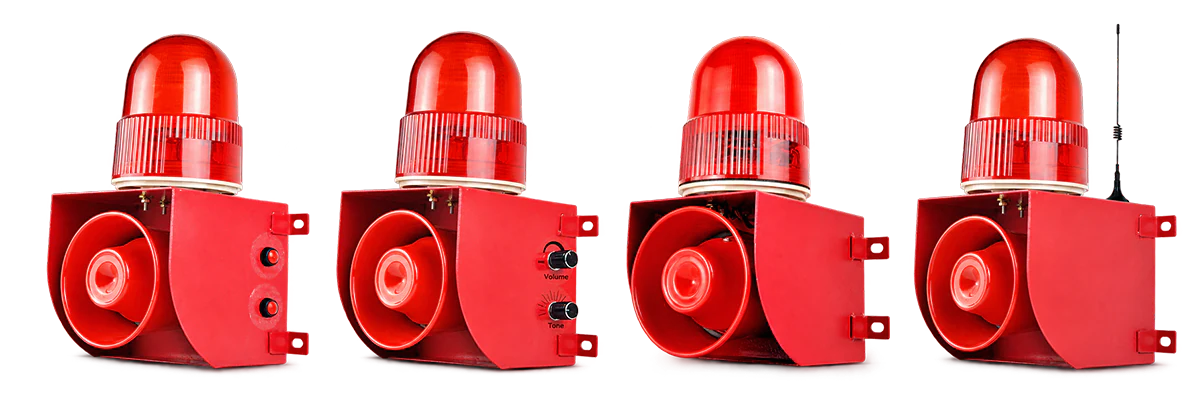
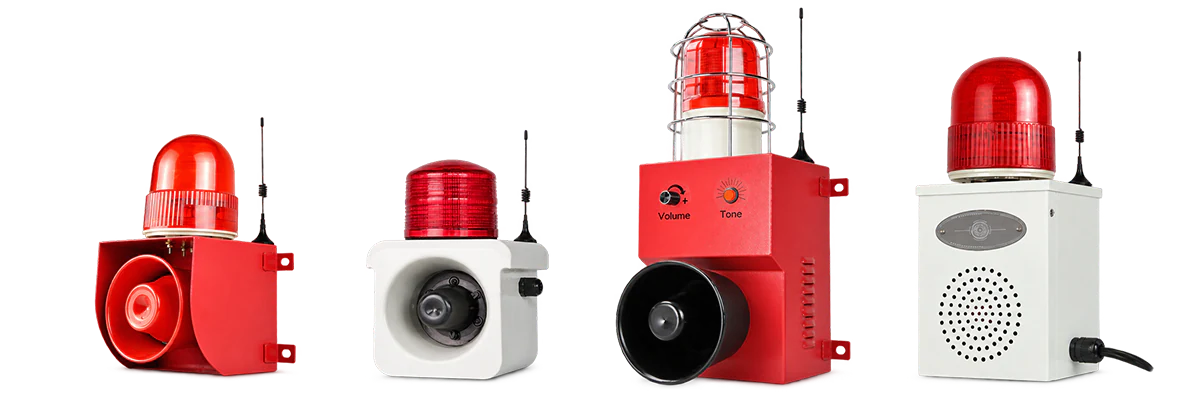
Choose alarm configurations by how the warning should start: remote command, automatic detection, external signal or linked control, or selected network / Wi-Fi operation. Control method and power source are separate selection factors.
CHOOSE BY CONTROL METHOD
Start with what should cause the alarm to operate. You can compare individual series after identifying the closest control or detection method.
The warning starts automatically after a defined detection event.
The warning should begin without requiring an operator command.
Selected alarm configurations support projects with a specific network or Wi-Fi requirement.
Network connectivity is an explicit project requirement.
Availability is configuration-specific and should be confirmed at model level.
Remote, sensor, signal-input and network configurations are grouped here by how the warning is triggered or controlled.
SELECTION GUIDE
Once you know how the warning should start, four practical questions help narrow the configuration.
Remote control does not mean wireless power. Always confirm power and installation separately.
Confirm remote command, automatic detection, external signal / linked control or a network requirement.
If the warning should start automatically, confirm the required sensing approach before narrowing the configuration.
Confirm whether activation should produce audible warning, sound + light or visual warning.
Confirm available power, mounting, wiring and site conditions separately from the control method.
APPLICATIONS
Start with the application closest to your project, then confirm the trigger method, warning output and power source.
01
Warning systems where remote activation, automatic detection or external control determines when the alert begins.
View Remote Warning Solution →
02
Remote, signal-input or linked warning where the alarm responds to operator or machine control.
View Machinery Warning Solution →
03
Controlled or automatically triggered alerts for production areas and defined industrial work zones.
View Factory Alerting Solution →
04
Remote or sensor-triggered warning may suit outdoor sites, while power source and installation should be selected separately.
View Outdoor Warning Solution →Explore Alarionex Solutions when the project combines several warning devices, activation methods or control requirements.
RELATED PRODUCT CATEGORIES
If warning output, visual signaling or power source defines the project more strongly, start with that product category instead.
AUDIBLE WARNING
Audible warning is the main requirement and control method is secondary.
Explore Alarm Sirens →SOLAR-POWERED WARNING
Solar power or off-grid installation defines the project.
Explore Solar-Powered Alarms →VISUAL SIGNALING
Visual signaling or machine-status indication is the main requirement.
Explore Warning Lights & Signal Towers →The same product may be relevant through different paths when control method, warning output or power source are all important.
FREQUENTLY ASKED QUESTIONS
Quick answers to common control and detection questions.
No. This category groups alarm configurations by how they are triggered or controlled, including remote command, automatic detection, external signal / linked control and selected network or Wi-Fi operation.
Remote control starts the alarm through an operator command; signal input responds to another device or control signal; sensor triggering starts automatically after a detected event.
No. Control method and power source are separate. A remotely controlled alarm may still require an AC or DC power connection.
Start with ALX-700 when sensing is central to the project. Selected ALX-100, ALX-300 and ALX-500 configurations can also support detection-oriented requirements.
Tell us how the warning should start, what output is required, the available power and where it will be installed. A drawing, site photo or control specification can also help.