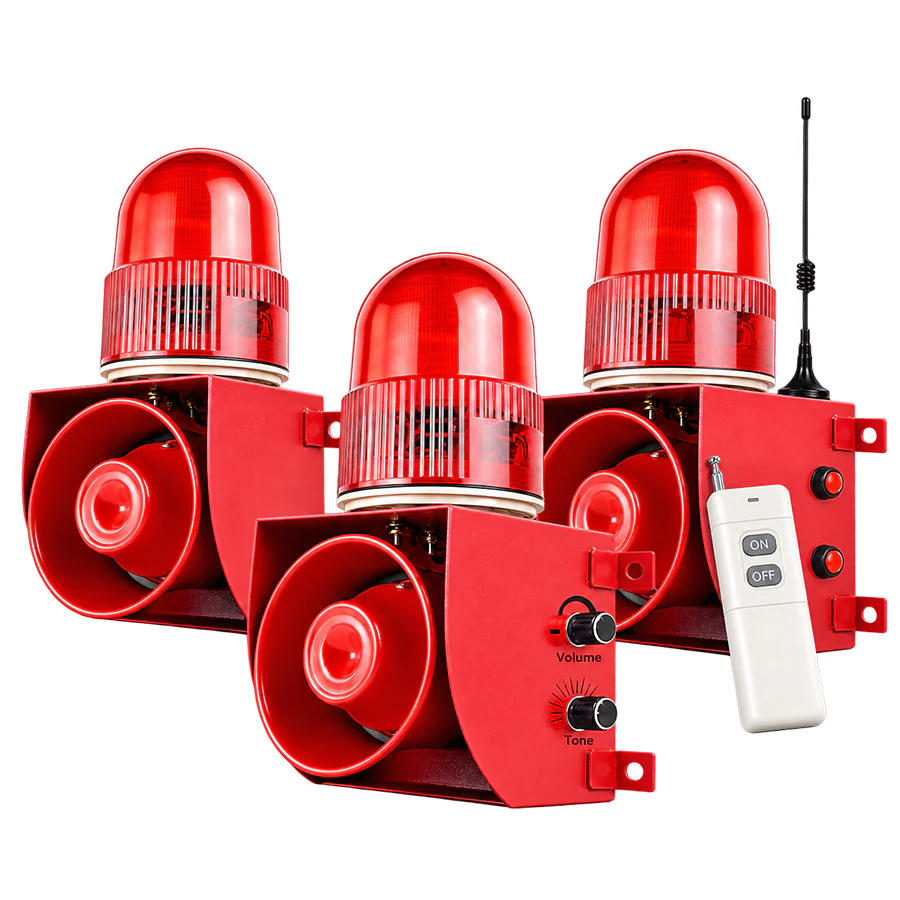
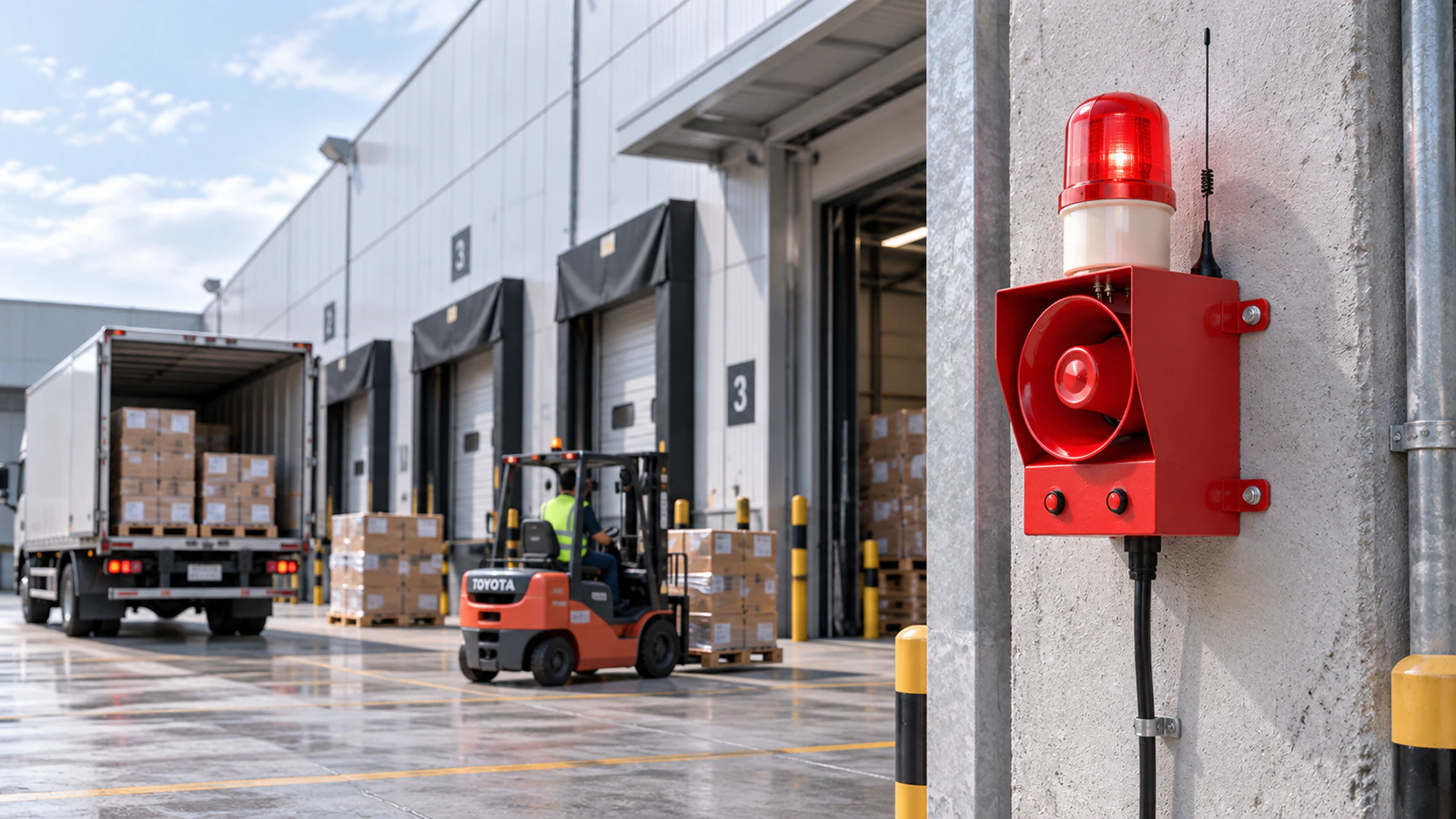
Contact Us

REMOTE, WIRELESS & SENSOR-TRIGGERED WARNING

Industrial Warning Signals for Remote, Sensor & External Control

Start with what should trigger the warning—an operator, detection event, machine signal or connected system. Then confirm how that trigger reaches the warning point.

TRIGGER & CONTROL STARTING POINT

What Should Cause the Warning to Start?

Identify the trigger source first, then choose how that trigger should reach and control the warning point.

STEP 2 — CHOOSE A STARTING CONTROL APPROACH

How Should the Trigger Reach the Warning Point?

Match the trigger source to the closest control route, then validate interface, location, power and warning output.

REMOTE OPERATOR ACTIVATION

Control the warning from another working position.

Use this route when the operator and installed warning point are separated.
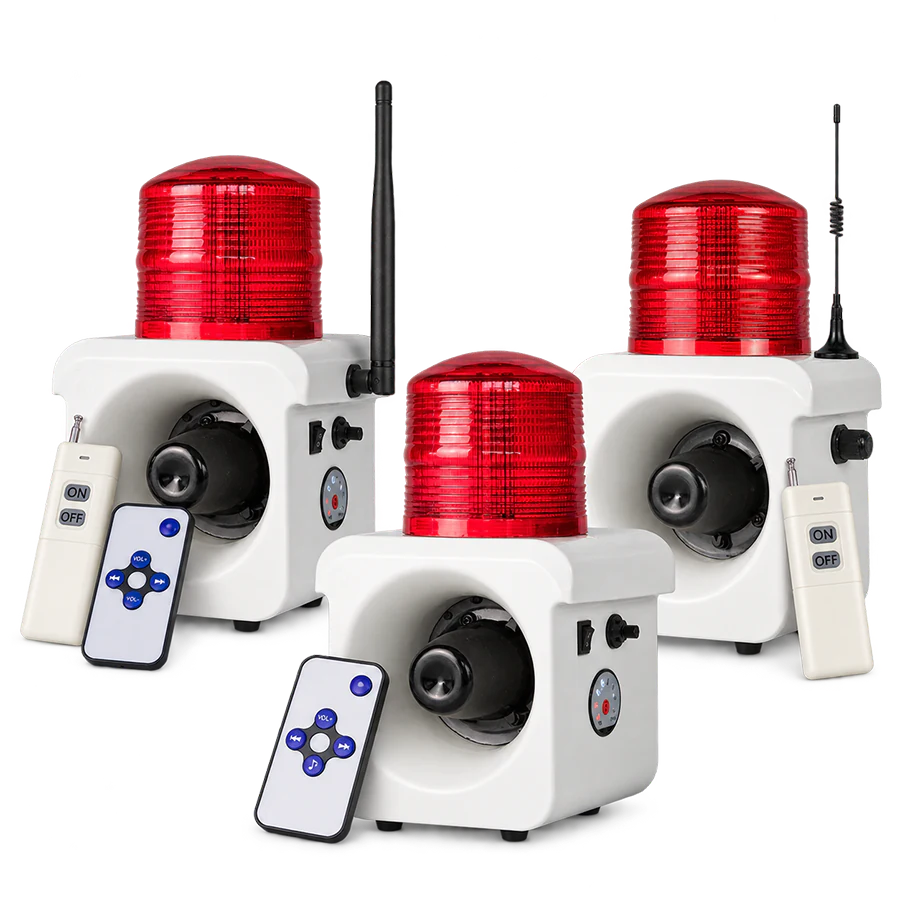
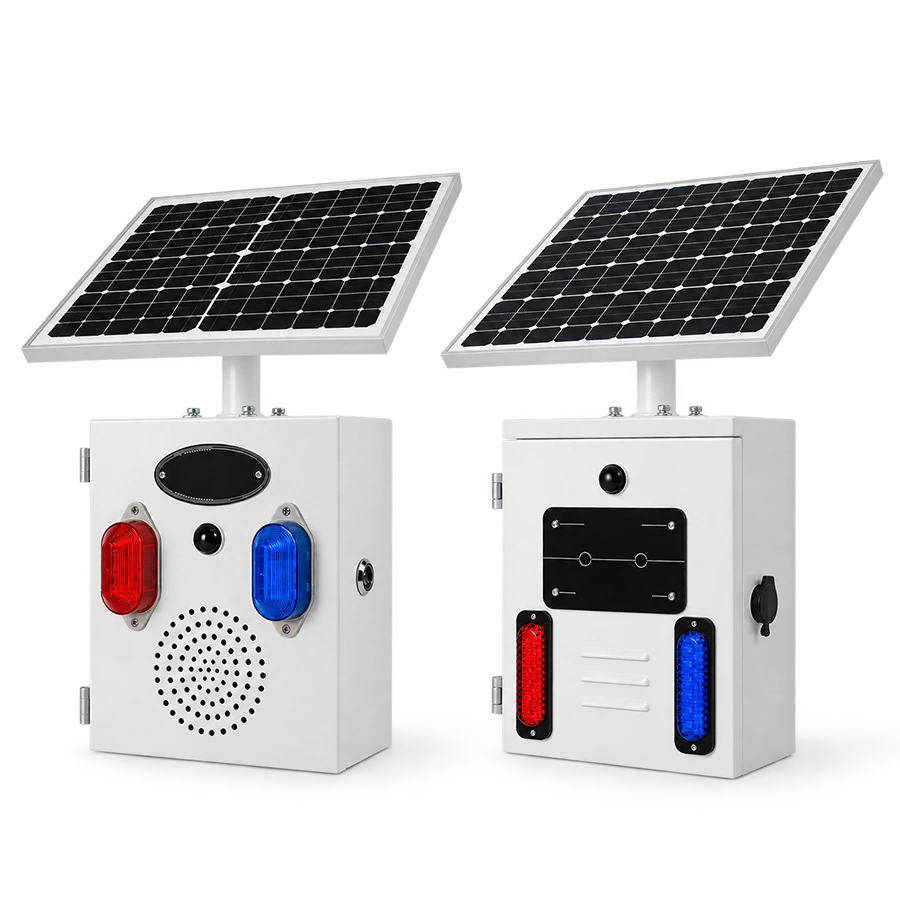
ALX-300 Series configurable industrial warning alarm
REMOTE CONFIGURATION ALX-300 Series

Remote-control and rechargeable remote configurations.

ALX-300-RC 500 m / 2000 m options
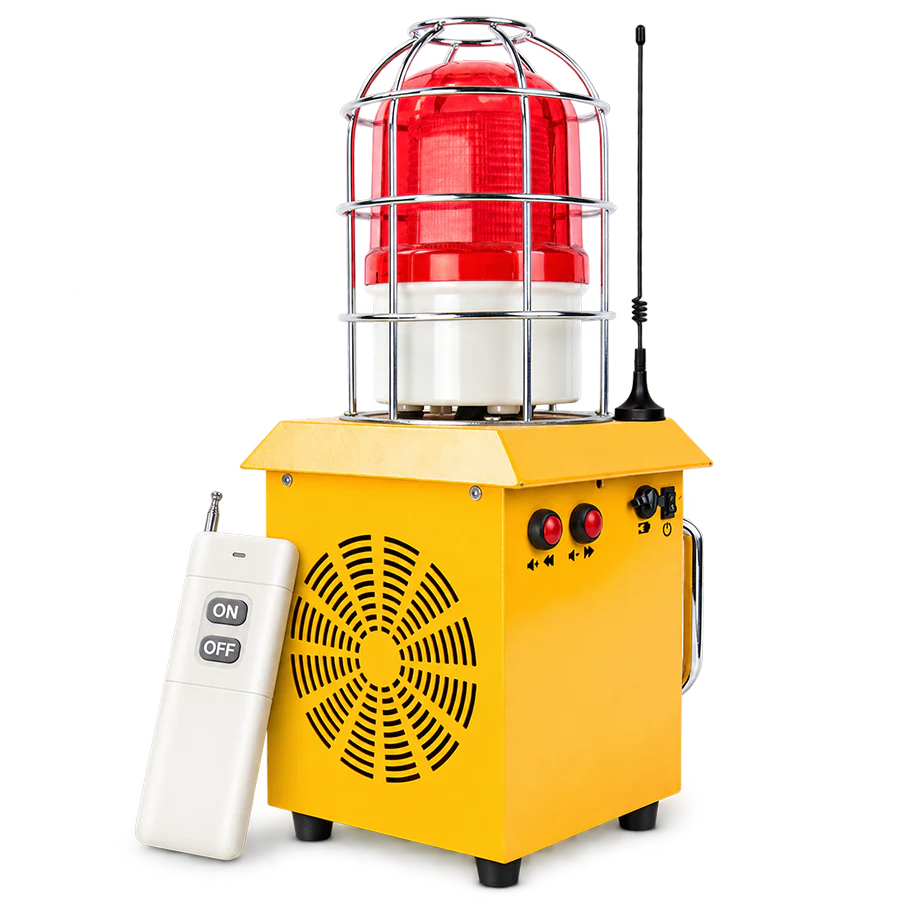
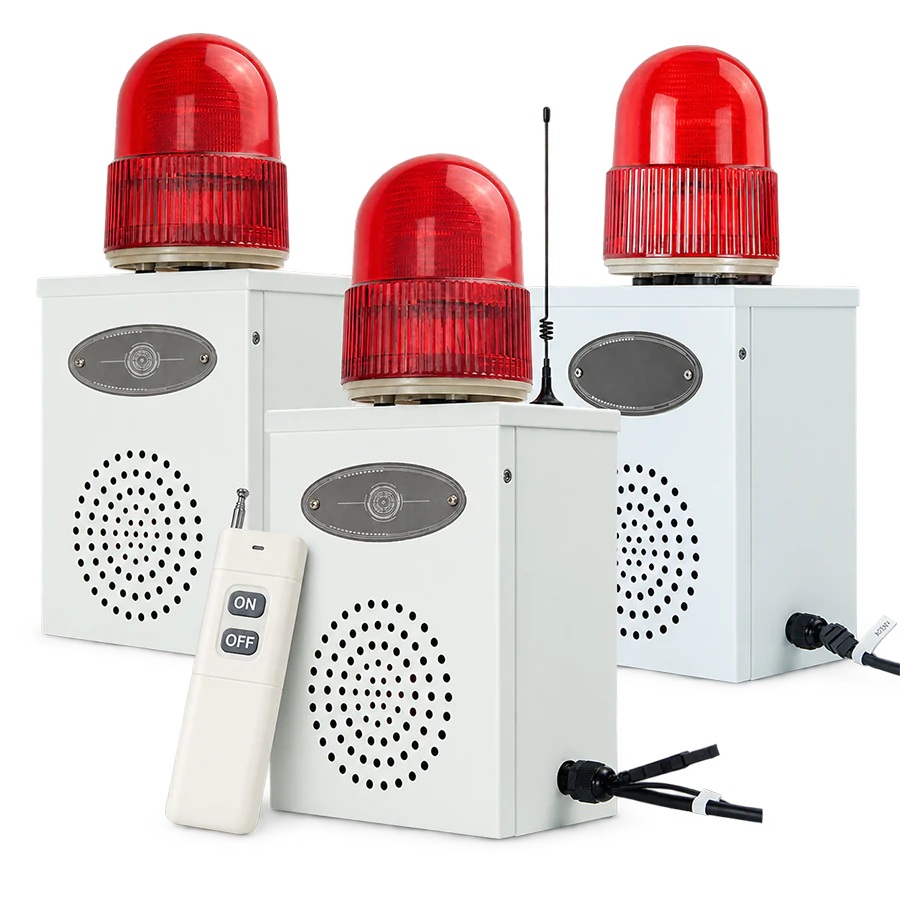
ALX-610-RC portable rechargeable remote-control alarm
PORTABLE REMOTE ALX-610-RC

Portable rechargeable platform with wireless ON / OFF control.

NEXT QUESTION

Where are the operator and warning point, and what site conditions separate them?

Validate the Control Path
AUTOMATIC DETECTION

Start the warning after a defined detection event.

Use this route when warning operation should not depend on an operator command.

ALX-700 Series sensor-triggered warning alarm
SENSOR-TRIGGERED ALX-700 Series

Automatic audible + visual warning with configurable sensing.

PIR / Microwave / Combined
ALX-300 Series motion-detection configurations
CONFIGURABLE DETECTION ALX-300 Series

Standard-powered and rechargeable motion-detection configurations.

NEXT QUESTION

What needs to be detected, and where should the sensing point be located?

Validate the Detection Path

EXTERNAL SIGNAL CONTROL

Let another device provide the trigger.

Use this route when a machine, relay, switch or controller starts the warning.

ALX-300 Series signal-input warning configurations
SIGNAL INPUT ALX-300 Series

Standard-powered and rechargeable signal-input configurations.

ALX-500 Series external-control industrial warning alarm
SWITCHING SIGNAL ALX-500 Series

External switching-signal configuration for industrial control.

NEXT QUESTION

What device supplies the signal and what interface must the alarm accept?

Validate the Signal Path

CONNECTED / COMMUNICATION CONTROL

Operate the warning through a connected system.

Use this route when commands come from a controller, network or industrial system.

ALX-100 Series network and communication configurations
NETWORK / COMMUNICATION ALX-100 Series

Selected RS-485, Ethernet and Wi-Fi configurations.

ALX-500 Series RS-485 industrial control alarm
INDUSTRIAL COMMUNICATION ALX-500 Series

ALX-500-485 supports RS-485 / Modbus-RTU control.

NEXT QUESTION

What communication method and system interface does the project require?

Validate Connected Control

CONTROL PATH VALIDATION

Validate the Control Path and Warning Point

Confirm the interface, control location, power and warning output before moving to product-level selection.

CONTROL PATH

What Must Be Confirmed for the Selected Trigger?

01
Remote Command

Confirm operator location, warning-point location, approximate distance and relevant obstacles.

02
Automatic Detection

Confirm what must be detected, where sensing occurs and the applicable operating conditions.

03
External Electrical Signal

Confirm which device supplies the signal and the interface required by the selected alarm.

04
Network or Industrial Communication

Confirm the required communication method, controller and system interface.

ENGINEERING DISTINCTIONS

Keep Control Method and Power Architecture Separate

Remote control does not mean wireless power. The warning point may still require a conventional power connection.

RS-485 is an industrial communication method, not wireless control. Treat remote control, signal input and communication as separate requirements.

CONTROL ROUTE COMPARISON

Match the Control Requirement to a Product Route

Use the confirmed trigger, interface, power and warning output to continue with configuration-level comparison.

Remote-controlled industrial warning application

REMOTE OPERATOR ACTIVATION

Selected Remote-Control Configurations

Operator-Controlled Warning

Use this route when an operator needs to activate or stop the warning from another working position.

CONTROL
Wireless ON / OFF on selected configurations
REFERENCE
ALX-300-RC: 500 m / 2000 m open-area options
PORTABLE
ALX-610-RC adds remote operation to the rechargeable platform
Relevant Product Routes Selected ALX-100, ALX-300 and ALX-500 configurations, plus ALX-610-RC for portable remote operation.
Sensor-triggered industrial warning application

AUTOMATIC DETECTION

Sensor-Triggered Configurations

Automatic Warning Activation

Use this route when a defined detection event should start the warning automatically.

SENSING
ALX-700: PIR / Microwave / Combined
RANGE
ALX-700: approx. 1–10 m sensing reference
OTHER
ALX-300-MD and ALX-500-MD configuration routes
Relevant Product Routes ALX-700 for dedicated sensor-triggered warning, plus selected detection configurations in other Series.
External signal controlled industrial warning application

EXTERNAL SIGNAL CONTROL

Signal-Input & Linked Configurations

Equipment & External-Control Warning

Use this route when a machine, relay, switch or compatible controller supplies the trigger.

INPUT
External switching-signal configurations
ALX-500-SI
Closed signal = alarm ON · open signal = alarm OFF
ALX-300
Standard-powered and rechargeable signal-input models
Relevant Product Routes Selected ALX-100, ALX-300 and ALX-500 external-signal or linked-control configurations.
Connected industrial control warning application

NETWORK & INDUSTRIAL COMMUNICATION

Connected Control Configurations

Network · Wi-Fi · Industrial Communication

Use this route when the warning forms part of a network or industrial control system.

RS-485
ALX-500-485 · Modbus-RTU communication
ETHERNET
ALX-100-NET · RJ45 Ethernet TCP commands
WI-FI
ALX-100-WIFI · app-controlled configuration
Configuration-Specific Capability Network, Wi-Fi and industrial communication functions apply only to the relevant configurations.

Remote distance, sensing range, electrical input and communication capability are configuration-specific. Open-area wireless references can be reduced by buildings, machinery, metal structures and other site conditions.

FREQUENTLY ASKED QUESTIONS

Questions About Remote & Controlled Warning

Yes. A controller reference, wiring drawing or control diagram can help clarify the required signal, communication and installation conditions.

No files selected

PDF, JPG, JPEG, PNG, DOC or DOCX. Maximum 3 files, 10 MB each and 15 MB total.

Add Control & Technical Details (Optional)

Required fields are marked with an asterisk. Your information will only be used to review and respond to your inquiry. See our Privacy Policy.

Need help choosing? Ask Emily