

MACHINERY & EQUIPMENT WARNING
Need a clear warning for machine start-up, operating status or faults?
Start here if the warning is connected to a specific machine, equipment condition or control event.
View Machinery Warning SolutionAPPLICATION-BASED WARNING SOLUTIONS
Start with the warning problem, installation environment and triggering method. You do not need to know the exact product or model before choosing a direction.
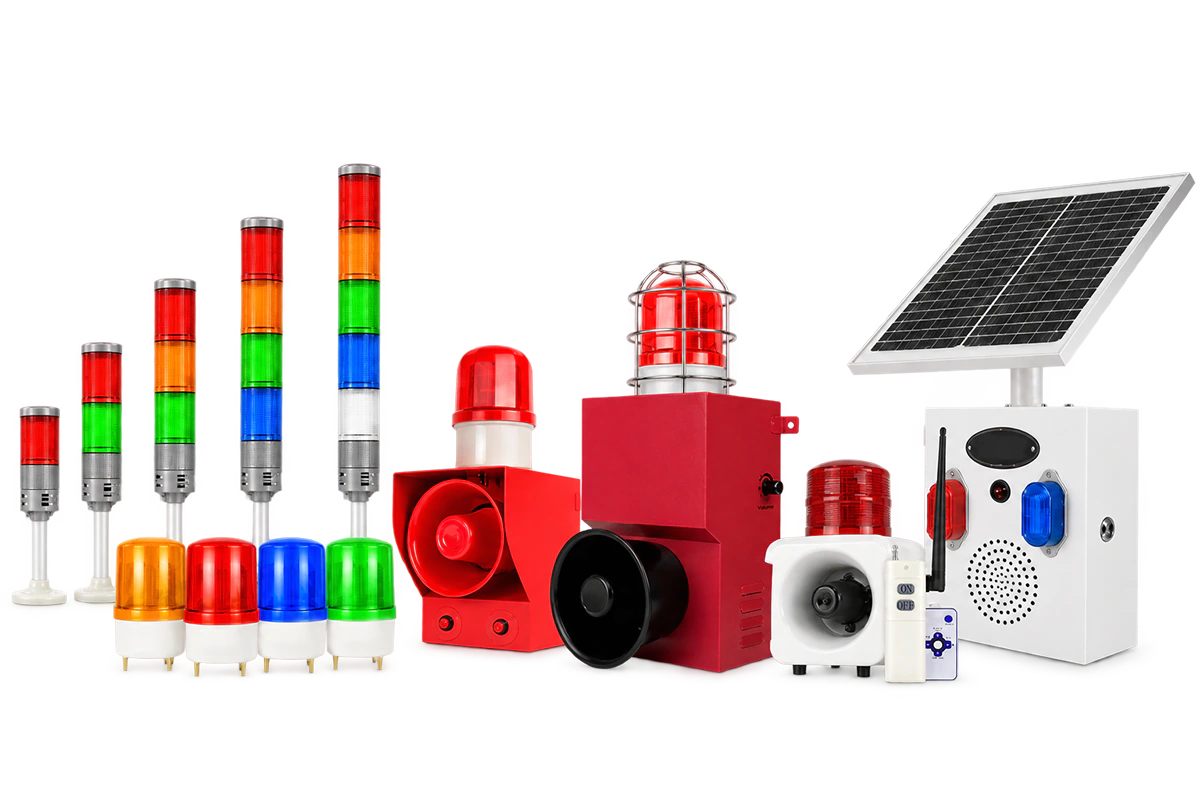
APPLICATION STARTING POINTS
Choose the situation closest to your application. Each path focuses on a different warning problem and the conditions that affect product selection.
MACHINERY & EQUIPMENT WARNING
Start here if the warning is connected to a specific machine, equipment condition or control event.
View Machinery Warning Solution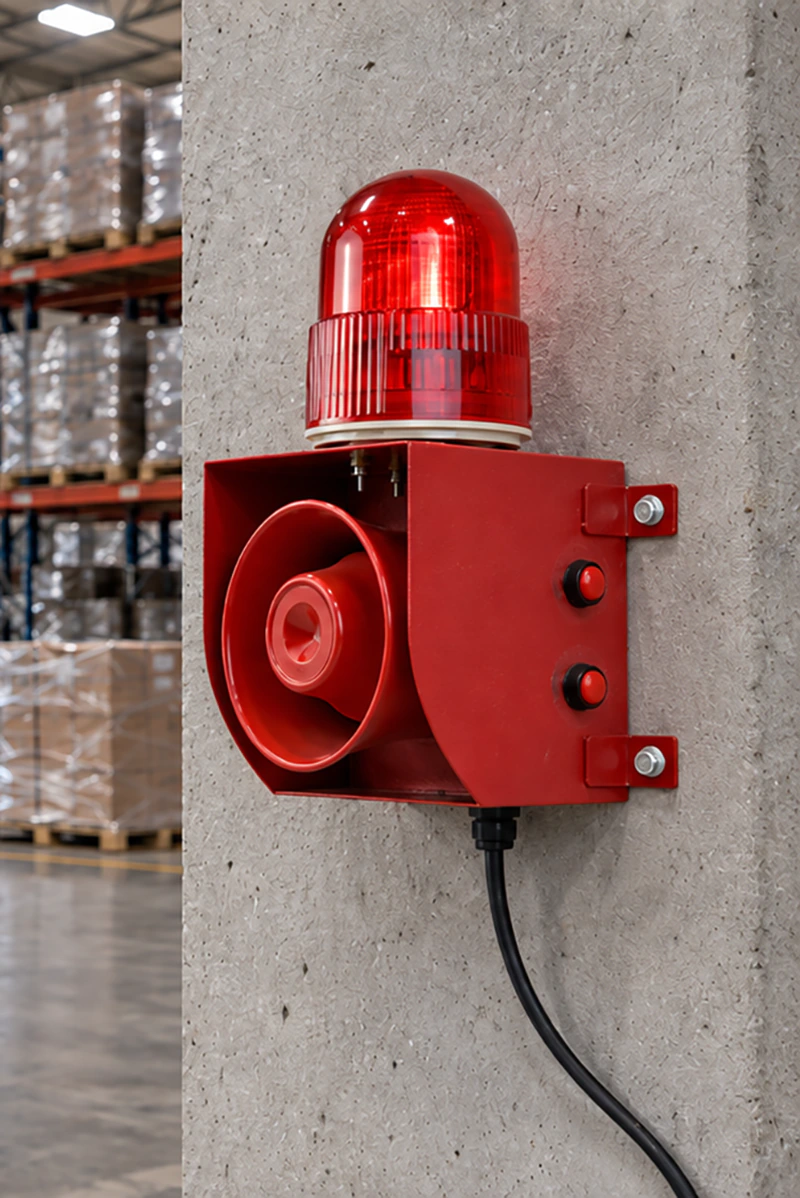
FACTORY & WORK AREA ALERTING
Start here if the warning is intended for people across a shared production, storage or loading area rather than one machine.
View Work Area Alerting Solution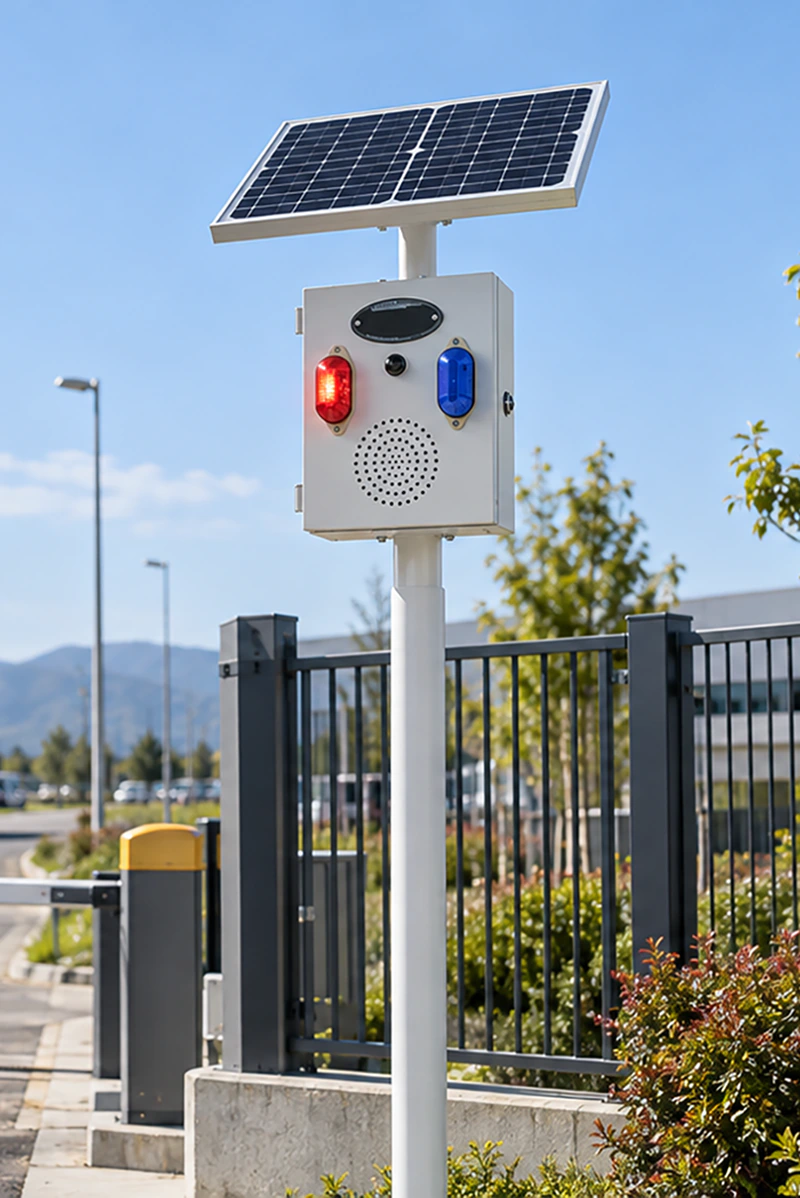
OUTDOOR & OFF-GRID WARNING
Start here if the warning is needed outdoors and available power, cable routing or installation conditions affect the solution.
View Outdoor Warning Solution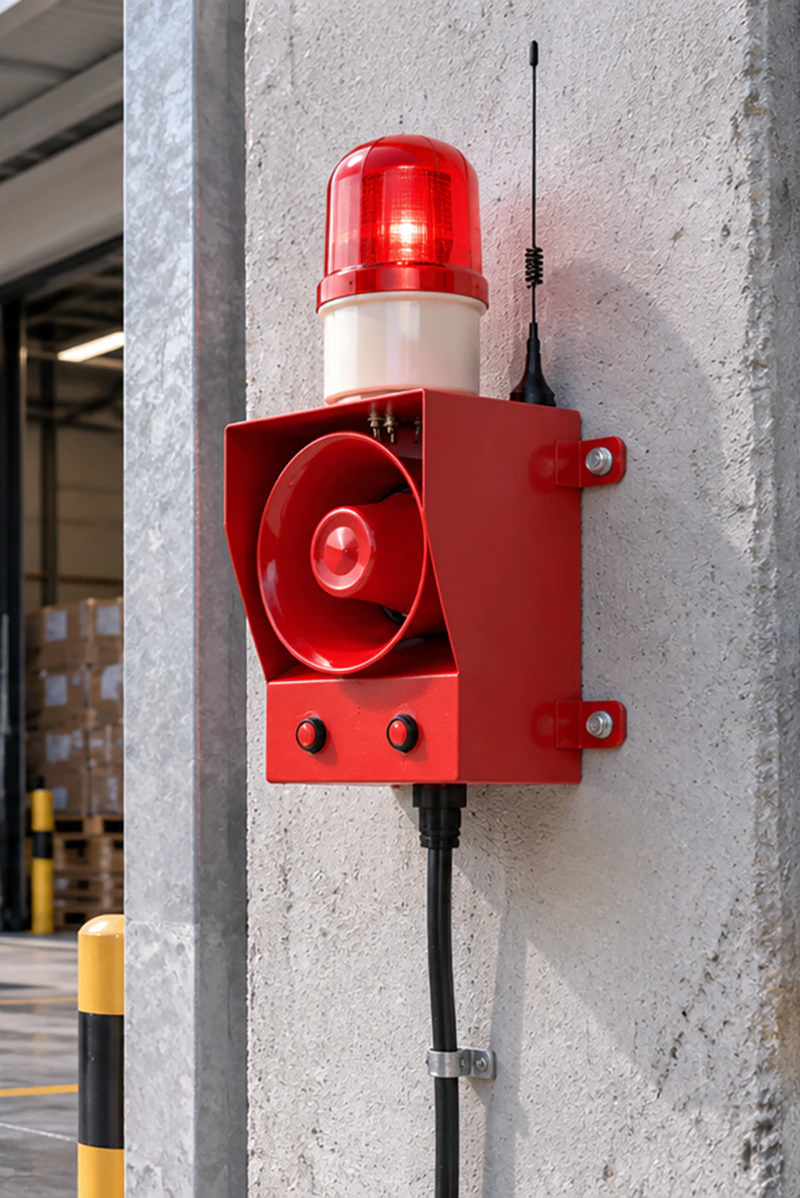
REMOTE, WIRELESS & SENSOR-TRIGGERED WARNING
Start here if the activation point is separate from the warning device or the warning depends on a compatible remote or sensor input.
View Remote Warning SolutionKEY SELECTION CONDITIONS
You do not need the exact model. These conditions help narrow the warning method, product direction and configuration.
Send us your requirementsMachine, control cabinet, workshop wall, pole or outdoor site?
Decide whether the application needs audible, visual or combined warning.
Confirm the available AC/DC supply or whether independent power is required.
Power-on, compatible external signal, remote control or sensor input?
Consider ambient noise, viewing direction, warning distance and obstacles.
Confirm mounting position, cable routing and connection requirements.
PRODUCT MATCHING PROCESS
We start with the application conditions, check suitable existing product options first and then confirm any product-specific configuration required for the project.
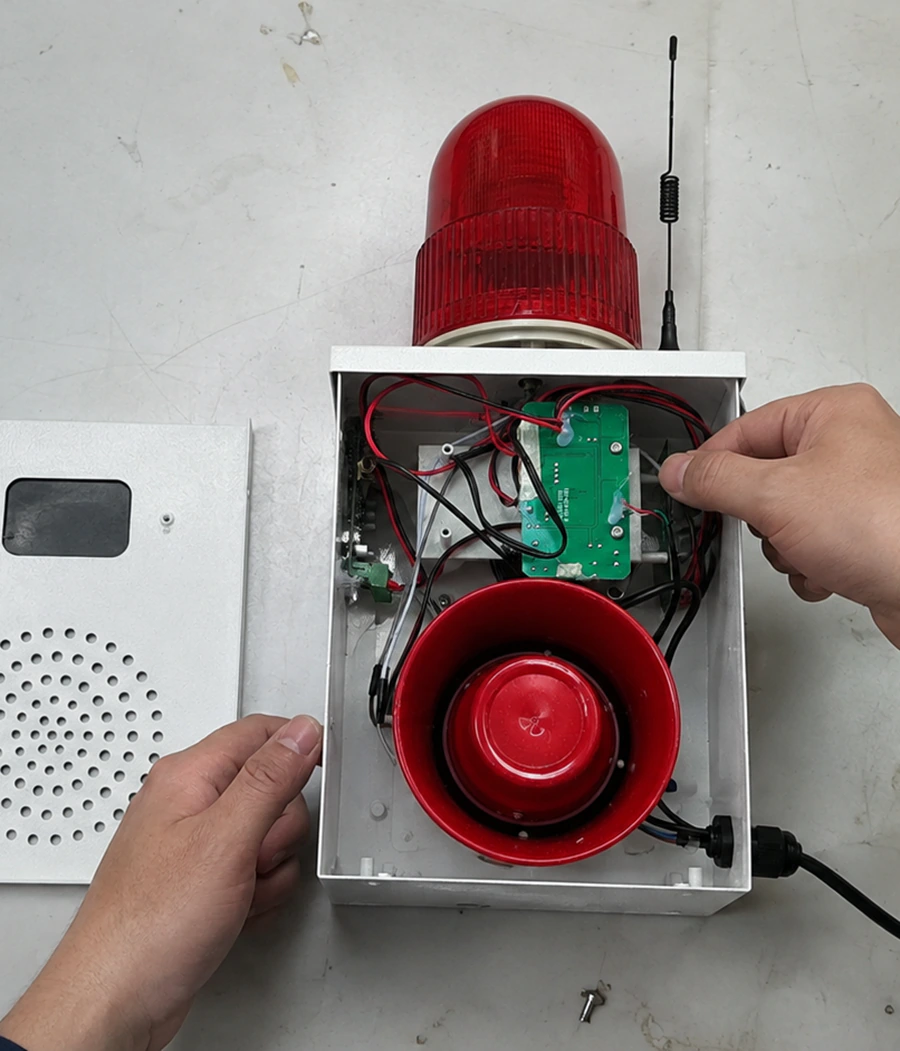
We review where the warning is needed, what it must communicate and the power, triggering and installation conditions you know.
We first check whether an existing product series and its supported options can meet the confirmed warning requirement.
Where the selected product requires additional project-specific details, the relevant configuration is reviewed before the order proceeds.
Available voltage, warning method, control, mounting and other options vary by product series.
Additional wiring, mounting, control, marking or documentation requirements are reviewed against the selected product.
FREQUENTLY ASKED QUESTIONS
A few practical questions that may help before you send your requirements.
Yes. A photo, drawing or existing specification can help us understand the application. The final product and configuration recommendation depends on the confirmed operating and installation requirements.
Sample availability, preparation time, freight and applicable costs are confirmed according to the selected product and destination.
Available certification documents are checked according to the selected product and current valid files. Certification for one model does not automatically apply to every product.