Contact Us

REMOTE, SENSOR & CONTROLLED WARNING

Industrial Wireless & Sensor Alarms

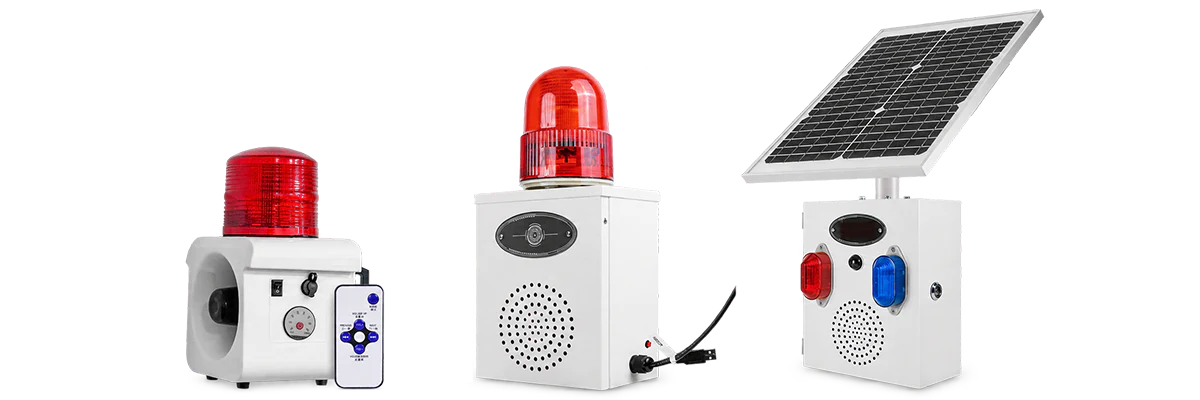
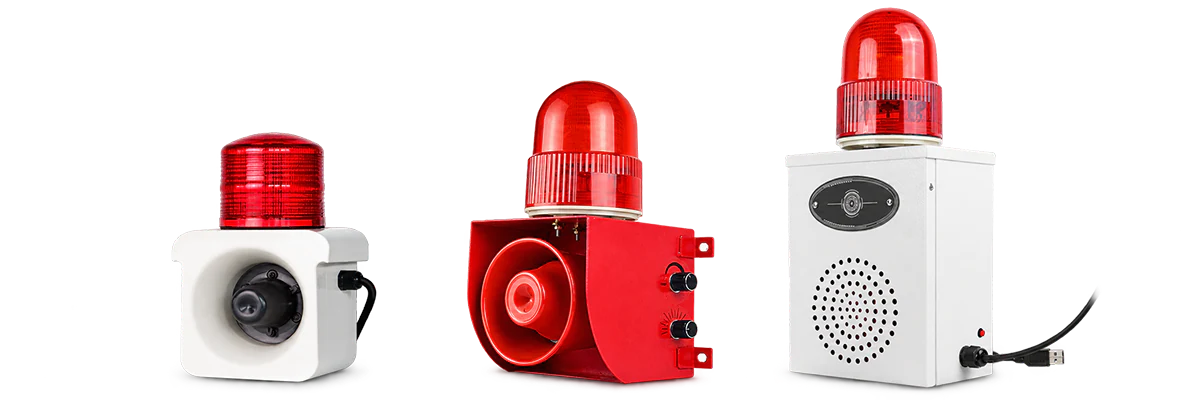
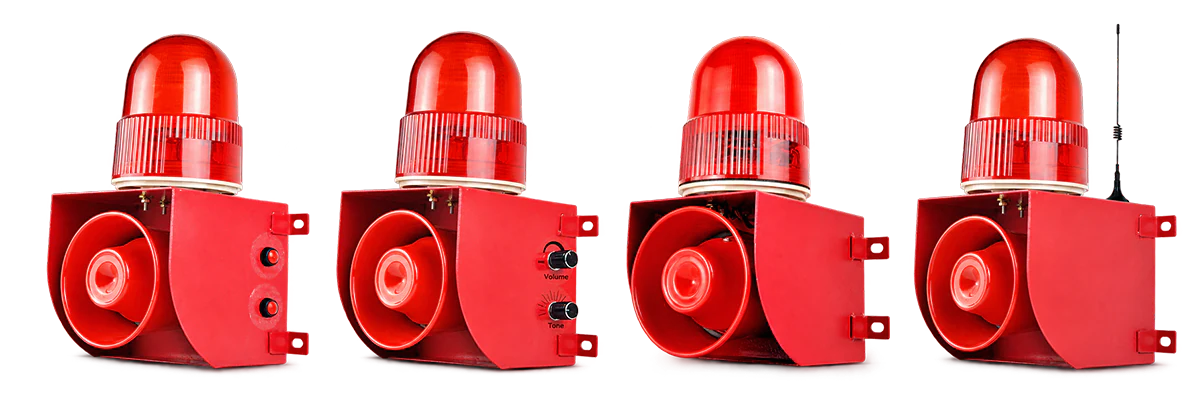
Choose alarm configurations by how the warning should start: remote command, automatic detection, external signal or linked control, or selected network / Wi-Fi operation. Control method and power source are separate selection factors.

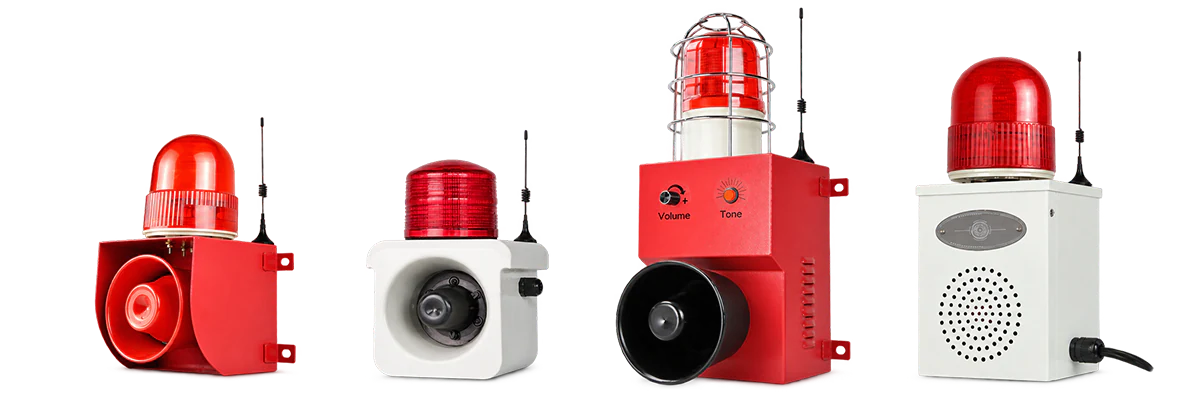
REMOTE COMMAND Remote Control Operator activates the warning remotely
AUTOMATIC Sensor Detection A detection event starts the warning
EXTERNAL CONTROL Signal & Linked Control Another device or signal starts the warning
NETWORK Network & Wi-Fi Selected network-based configurations

CHOOSE BY CONTROL METHOD

How Should the Warning Be Triggered?

Start with what should cause the alarm to operate. You can compare individual series after identifying the closest control or detection method.

01 REMOTE CONTROL
Remote-controlled industrial alarm configurations

Remote-Activated Alarms

Main difference

An operator starts the warning remotely instead of operating the alarm at its installation point.

Start here if

Intentional remote activation is an important project requirement.

03 EXTERNAL SIGNAL & LINKED CONTROL
External signal and linked industrial alarm configurations

External Signal & Linked Alarms

Main difference

Another device, control signal or linked warning arrangement determines when the alarm operates.

Start here if

The warning must respond to equipment or another control source.

04 NETWORK & WI-FI
Network and Wi-Fi industrial alarm configurations

Network & Wi-Fi Configurations

Main difference

Selected alarm configurations support projects with a specific network or Wi-Fi requirement.

Start here if

Network connectivity is an explicit project requirement.

Availability is configuration-specific and should be confirmed at model level.

Control method is not the same as power source.

Remote, sensor, signal-input and network configurations are grouped here by how the warning is triggered or controlled.

SELECTION GUIDE

What to Confirm After Choosing the Control Method

Once you know how the warning should start, four practical questions help narrow the configuration.

Remote control does not mean wireless power. Always confirm power and installation separately.

01

How Should the Warning Start?

Confirm remote command, automatic detection, external signal / linked control or a network requirement.

Remote Automatic Signal / Linked Network / Wi-Fi
02

If Automatic, What Should Detect the Event?

If the warning should start automatically, confirm the required sensing approach before narrowing the configuration.

PIR Microwave PIR + Microwave Other Detection
03

What Should Happen After Activation?

Confirm whether activation should produce audible warning, sound + light or visual warning.

Audible Audible + Visual Visual
04

How Will It Be Powered & Installed?

Confirm available power, mounting, wiring and site conditions separately from the control method.

AC / DC Battery Solar Mounting Wiring / Site

APPLICATIONS

Where Controlled & Sensor-Triggered Warning Is Used

Start with the application closest to your project, then confirm the trigger method, warning output and power source.

Remote and sensor-triggered industrial warning 01

Remote & Sensor-Triggered Warning

Warning systems where remote activation, automatic detection or external control determines when the alert begins.

View Remote Warning Solution
Outdoor and off-grid warning 04

Outdoor & Off-Grid Sites

Remote or sensor-triggered warning may suit outdoor sites, while power source and installation should be selected separately.

View Outdoor Warning Solution
Need several warning methods to work together?

Explore Alarionex Solutions when the project combines several warning devices, activation methods or control requirements.

Explore All Solutions

FREQUENTLY ASKED QUESTIONS

Wireless & Sensor Alarm Selection FAQs

Quick answers to common control and detection questions.

No. This category groups alarm configurations by how they are triggered or controlled, including remote command, automatic detection, external signal / linked control and selected network or Wi-Fi operation.

No files selected

PDF, JPG, JPEG, PNG, DOC or DOCX. Maximum 3 files, 10 MB each and 15 MB total.